
Utsushibi
A lamp that casts another you
You move, your avatar moves too — in a corner of your desktop, or in an online meeting.
What it does
No sensors, no extra gear. The built-in camera on your Mac — or any webcam — is enough.
Runs on a webcam alone
Expressions and fingertips, tracked from the camera image alone.
Bring your own VRM model
Models you made yourself, or ones you got elsewhere.
Sits in a corner of your desktop
A small transparent window that stays while you work.
Straight into your meetings
Just pick “Utsushibi Camera” in the camera list.
Go full screen
A mode that fills the window with the video alone.
Pick your camera angle
Move the view around and save the angles you like to cameras.
Leave the camerawork to it
The auto camera pushes in, pulls back and cuts as you talk and pause.
Keep a photo
Capture and save the current video. A countdown timer, too.
Your images on the displays
Show any image you like on the displays in 3D scenes.
Choose a scene
A variety of 2D scenes, plus 3D scenes with real depth.
Animated scenes
Scenes in motion, for a livelier view. Some follow the real time of day and weather.
-
 Weather
-
 Campfire
-
 Aquarium
-
 Space
Space
-
 Cyberpunk
-
 Train window
-
 Synthesizer
-
 Matrix
-
 Seaside
-
 Lanterns
-
 Waves
Waves
-
 Bubbles
3D scenes
Place the avatar in an immersive 3D scene. You can move the camera freely, too.
-
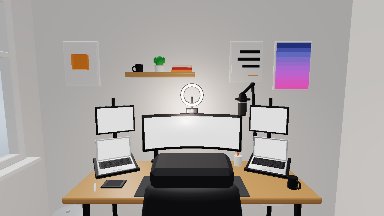 Simple Room
-
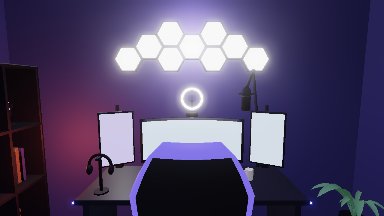 Gaming Room
-
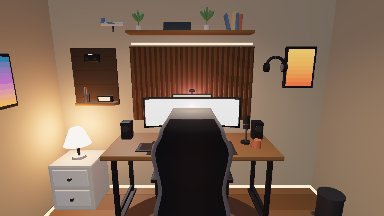 Wood Room
-
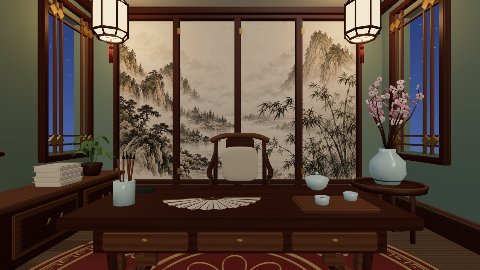 Chinese Room
-
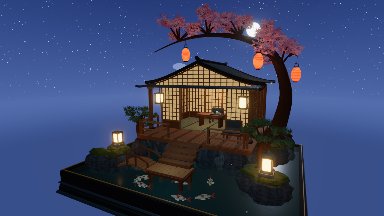 Japanese Tea House
-
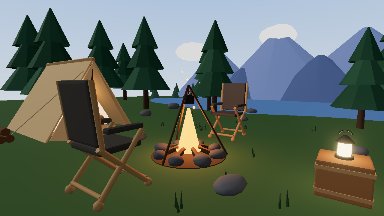 Campsite
-
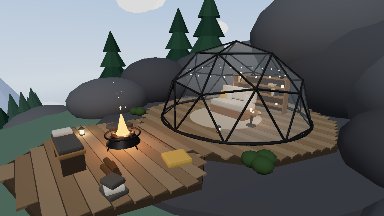 Glass Dome
-
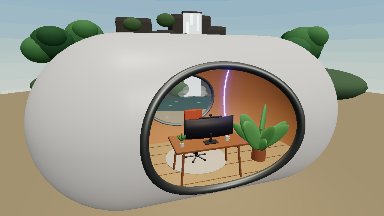 Capsule Room
-
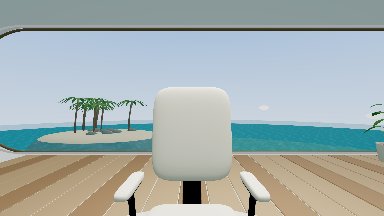 Ocean Villa
-
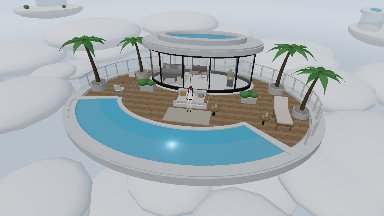 Sky Villa
-
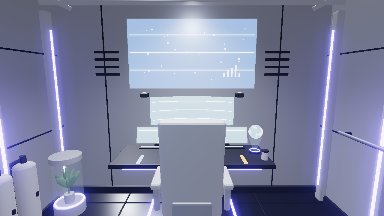 Space Room
-
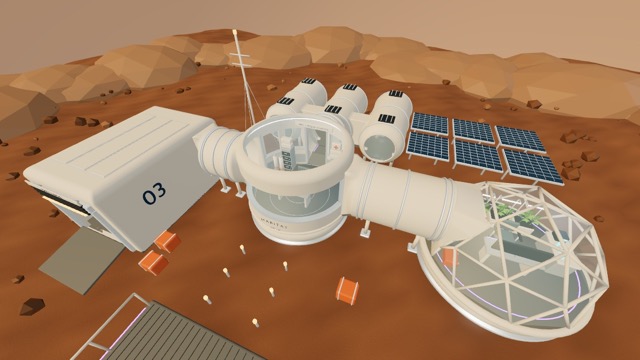 Mars Base
-
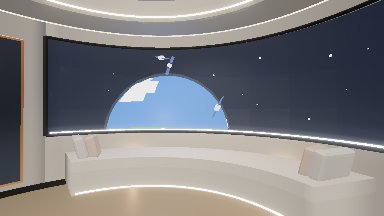 Space Lounge
-
 Space Pod
Download
macOS 15 Sequoia or later / Apple Silicon
FAQ
Is there a Windows version?
Utsushibi is for macOS on Apple Silicon only. A Windows version is not planned at the moment.
Where do I get an avatar?
Make one in VRoid Studio and export it as VRM, or use a VRM sold or shared on BOOTH and similar sites. Each model comes with its own terms about editing, commercial use and streaming — please check them.
Which online meeting apps work?
Any app that lets you pick a camera. Slack, Google Meet and Zoom are confirmed working.
What is a camera extension?
It is the macOS mechanism that registers a virtual camera with the system. Without approving it, “Utsushibi Camera” will not appear in the camera list of your meeting app. You approve it once and can disable it any time from System Settings.
Does it cost anything?
It is free for both personal and commercial use, and credit is not required. Whatever VRM avatar you load, however, remains subject to the terms of that model.